
How I Am Building a CRM as a Non-Coder Using Claude Code (Part 1)
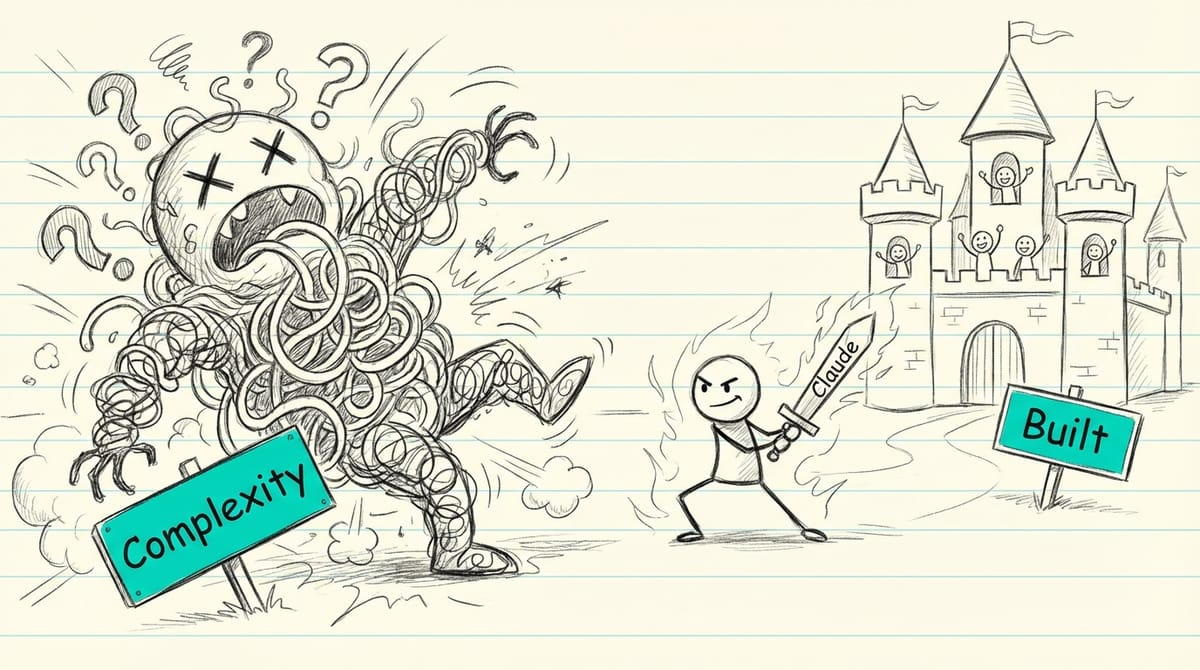
A few weeks ago, I deleted 100 hours of work. Not by accident—on purpose. The app I had built was a mess of dead ends and spaghetti logic, and the only way forward was to start over. But here's the thing: I'm rebuilding it better, faster, and with a clearer head. And I'm not a developer.
I'm an online marketer who helps Christian authors get booked on podcasts. My formal training is a master's degree in hermeneutics—ancient texts, not modern code. I can write HTML and CSS well enough to customize a WordPress site, but actual programming? That was always someone else's job.
Then AI changed everything.
What's in This Post
- Why Did I Start Building Apps with AI?
- What Did I Learn From My First AI-Built App?
- What Made Me Want to Learn This Properly?
- What Tools Do You Need to Build Apps with Claude Code?
- How Did I Actually Set Up This Project?
- What Does a Typical Work Session Look Like?
- What Have I Actually Built So Far?
- What Are the Biggest Lessons I've Learned?
- What Hasn't Worked or Slowed Me Down?
- Is This Actually Fun?
- Where Can You Learn Vibe Coding?
- What Advice Would I Give Someone Starting Out?
- What's Next?
I'm currently building what I call the Christian Author-Podcast Matchmaking Platform—essentially a CRM for managing podcast outreach on behalf of authors. It tracks podcasts, manages author pipelines, suggests matches, and logs all the relationship-building that goes into landing interviews. Full disclosure: I'm paying about $100/month for Claude Code Max, which gives me access to Anthropic's most capable AI coding assistant. This is Part 1 of what I'm calling my "learning in public" series.
Why Did I Start Building Apps with AI?
It started with a spreadsheet.
In August 2025, our family finances Google Sheet had grown into a monster. We had recurring costs and income streams that required constant copy-pasting, and maintaining it was becoming a part-time job. I'd heard about AI coding tools, so I decided to try building something simple: a cash flow tracker.
I used a platform called Base44, and after a lot of trial and error, I ended up with something that worked. It was basically a glorified calculator, but it did what I needed. I still use it daily. That small win got me hooked.
What Did I Learn From My First AI-Built App?
Mostly what not to do.
I made the app way too complex. I anticipated edge cases that didn't exist and built features nobody asked for. Every time something broke, I had to revert to previous versions—which happened constantly. The final product has clunky flows and weird dead ends because I had no idea what I was doing.
But here's what matters: it works. Every day, I open that app and track our cash flow. That proved to me that a non-coder could actually build functional software with AI. The lesson I took away was simple: start with the smallest possible version that does one thing well.
What Made Me Want to Learn This Properly?
Base44 worked, but the ongoing subscription costs add up when you're just experimenting. I wanted more control and fewer recurring bills.
In September 2025, I joined a Skool community called AI Captains, run by Jordan Erbs and Kenneth Gonzales. Kenneth is a professional developer at prettysimplegroup.com, and Jordan specializes in teaching people to use AI strategically—being the captain of your AI journey, not just a passenger clicking buttons.
The most valuable thing Jordan taught me early on was getting comfortable with the terminal. That "black and white screen with green text" that coders use? It's not as scary as it looks. It's actually simpler and more powerful than most graphical interfaces.
I also learned about planning frameworks: PRD (Product Requirements Document), BRD (Business Requirements Document), FRD (Functional Requirements Document), and MRD (Market Requirements Document). For personal projects, I only use a PRD, but understanding these frameworks changed how I approach building anything. Measure twice, cut once.
What Tools Do You Need to Build Apps with Claude Code?
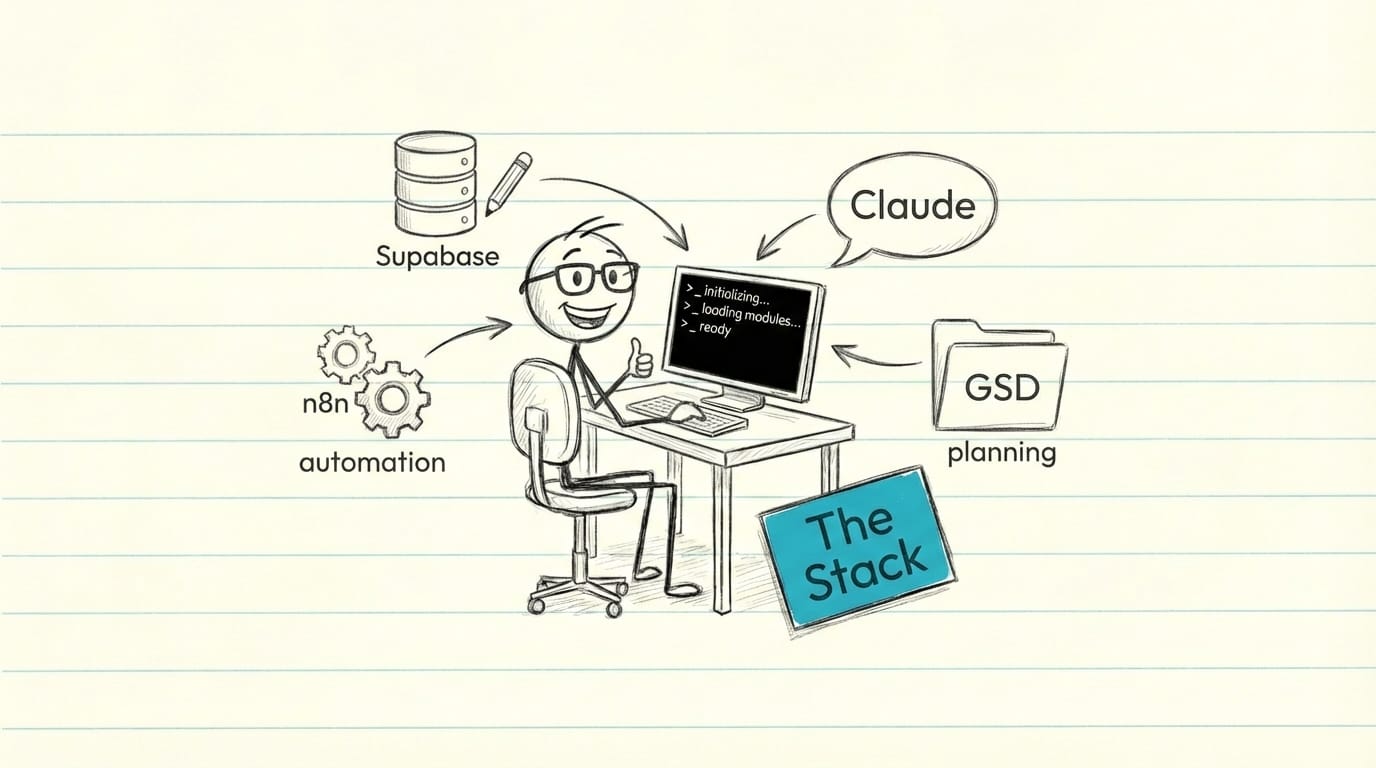
My current stack is simpler than you might think.
Core tools:
- Claude Code — The AI coding assistant that runs in your terminal
- Supabase — A PostgreSQL database with an API layer (generous free tier)
- n8n — Workflow automation that I self-host
- GSD (Getting S#!t Done) — A project scaffolding framework designed for AI development
My setup:
- Terminal: PowerShell, which comes free with Windows
- Voice input: Wispr Flow instead of typing everything—much easier
- IDE: VS Code, but not for writing code—just for viewing file structures and quickly scanning files
- MCP integrations: These let Claude talk directly to Supabase and n8n without me switching between applications
Why terminal? Because it gives you direct access to your computer without layers of interface getting in the way. It's faster and more lightweight. Understanding basic terminal commands is genuinely important for this kind of work.
How Did I Actually Set Up This Project?
Step 1: Write the PRD. I updated my Product Requirements Document from the failed v1 project. It's now a 19KB document covering the business model, database schema, and all planned features. For personal projects, a PRD is enough. Save the other frameworks for business ventures.
Step 2: Set up GSD. I installed the Getting S#!t Done framework, which creates a .planning/ folder with three key files: PROJECT.md (core definition and constraints), ROADMAP.md (full 10-phase plan across two versions), and STATE.md (tracks where I am so Claude can pick up where I left off).
Step 3: Break into phases. Version 1.0 MVP has 5 phases: Foundation, Podcast CRM, Author Pipeline, Matching, and Dashboard. Version 1.1 Intelligence adds 5 more: Episode Sync, Interview Detection, AI Topics, and others. Each phase gets its own PLAN.md with atomic tasks.
Step 4: Connect the tools via MCP. The Supabase MCP lets Claude talk directly to my database. The n8n MCP lets Claude create and test workflows without me opening the n8n interface.
Step 5: Execute plans. I run /gsd:execute-plan and agents execute tasks while I review and test. Each task gets an atomic git commit, and the system auto-generates summary files with metrics.
What Does a Typical Work Session Look Like?
I start fresh every session to keep context clean—AI gets fuzzy after using about half its context window. GSD picks up exactly where I left off by reading the STATE.md file.
I say "go ahead" and let the agents run. Then I review the output, test in my browser, and give feedback: "fix this, change that." We iterate through versions until I'm satisfied, then move to the next phase. It feels like working with a junior developer who's incredibly fast but needs supervision.
What Have I Actually Built So Far?
Version 1.0 MVP shipped in about 4 hours of actual work:
- 1,539 podcasts imported
- Full CRM with relationship tracking
- Author pipeline management
- Match suggestions and outreach logging
- Dashboard with key metrics
- 5 n8n automation workflows
Version 1.1 is in progress (currently Phase 7 of 10):
- Episode sync from RSS feeds (done)
- Interview detection (in progress)
- AI topic extraction (upcoming)
- Smart matching improvements (upcoming)
What Are the Biggest Lessons I've Learned?
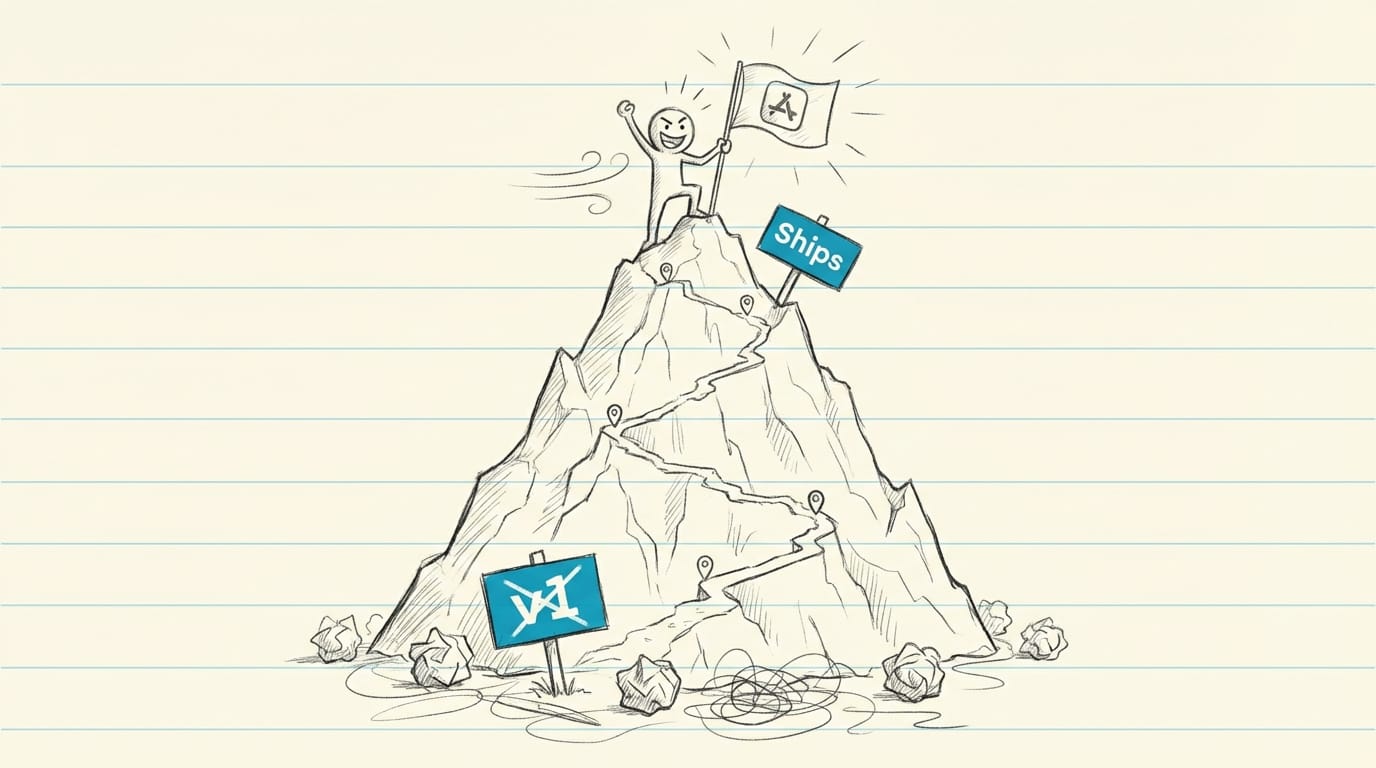
Planning pays dividends. Writing a PRD before touching code forces you to think through what you actually need. Visualize before building.
Start manual, automate later. Think of it like an e-bike—you can pedal yourself before turning on the motor. Build the simple version first.
One slice of pie at a time. Don't build Frankenstein. Don't piece together a behemoth. Small, working pieces that connect.
MVP first, edge cases later. Don't anticipate problems until they're actually real. You'll waste time solving things that never happen.
I actually understand databases now. Never thought I'd say that. Supabase makes it approachable.
Help AI use fewer tokens. Structure matters. Clean project organization means Claude can work faster and cheaper.
What Hasn't Worked or Slowed Me Down?
Early on, I had no scaffolding—no way to control the project or maintain continuity between sessions. GSD fixed this, but I wish I'd started with it.
I didn't learn Claude Code's built-in skills soon enough. Things like slash commands and context management that would have saved hours.
I took too long to learn GitHub. Version control should have been day one, not month two.
I'm still scared of Stripe integration. And I don't know how to get paying customers into an app yet. Those are problems for future me.
Is This Actually Fun?
Yes. It's challenging and hard, with lots of black boxes I don't fully understand. But once you get into it, there's this "aha" moment where you realize: this is how software gets built.
Being risky, trying stuff, publishing things—it's genuinely fun. If I'd chosen a different path years ago, I think coding would have been enjoyable. I'm glad AI lets me experience that without having to take that path.
Where Can You Learn Vibe Coding?
I recommend AI Captains. Jordan Erbs and Kenneth Gonzales teach a strategic approach—not just hacks, but how to think about your whole AI journey. They get you familiar with terminal basics, planning frameworks, and building with intention.
What Advice Would I Give Someone Starting Out?
- Write a PRD before touching code
- Start simpler than you think—true MVP
- Learn GitHub early for version control and publishing
- Don't over-engineer or anticipate fake problems
- Get comfortable with basic terminal commands
- Join a community
- Expect to throw things away—tools change fast
What's Next?
The CRM is still in progress—currently Phase 7 of 10 for Version 1.1. I'm what you might call an "augmented worker." AI expands what I can attempt, even if I couldn't do it alone.
I'm learning in public and will share results as they come. Part 2 arrives when v1.1 ships.